FIRST MONTH FREE, ON THE WEB
Put Syncry on your phone
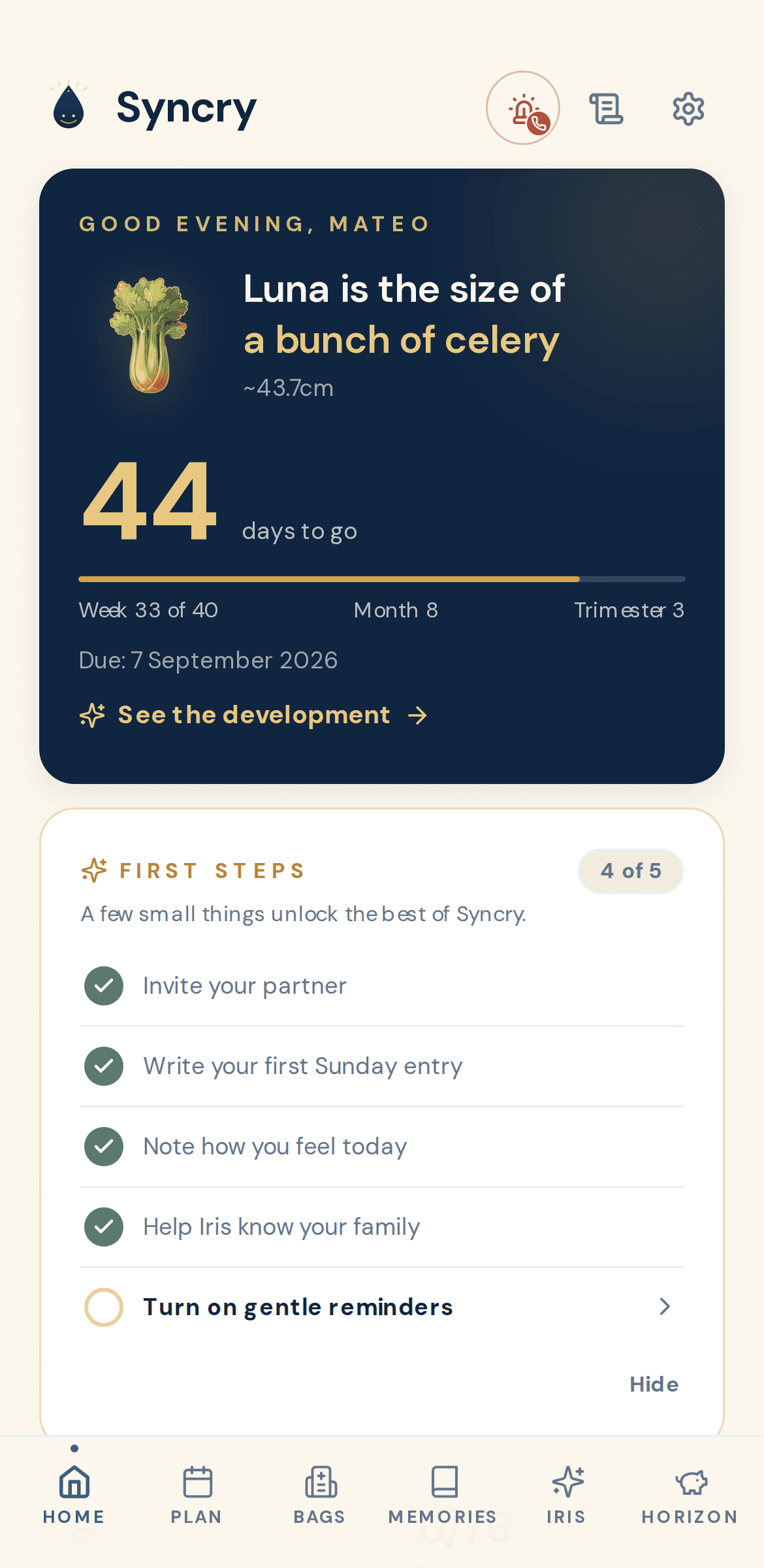
Syncry is a private companion for your family, from the first scan to age three. Sign up on the web, then add it to your home screen in two taps. It opens full screen, like any app.
On Android
Get Syncry from Google Play. Sign in with the same account and everything is already there.

Or, without Google Play, in Chrome:
- 1.Open syncry.app in Chrome itself, not inside another app, and sign up or log in.
- 2.Tap the three dots at the top right.
- 3.Tap Add to Home screen or Install app, then Install.
On iPhone (Safari)
- 1.Open syncry.app in Safari itself, not inside another app, and sign up or log in.
- 2.Tap the Share icon at the bottom (the square with an arrow).
- 3.Scroll down and tap Add to Home Screen, then Add.
Syncry runs in your browser, and the shortcut makes it feel like an app: full screen, its own icon, and notifications if you turn them on.
On iPhone, Syncry runs from your home screen, no App Store needed. One account works everywhere: Android, iPhone and the web.